

Menu Guide
Inventory
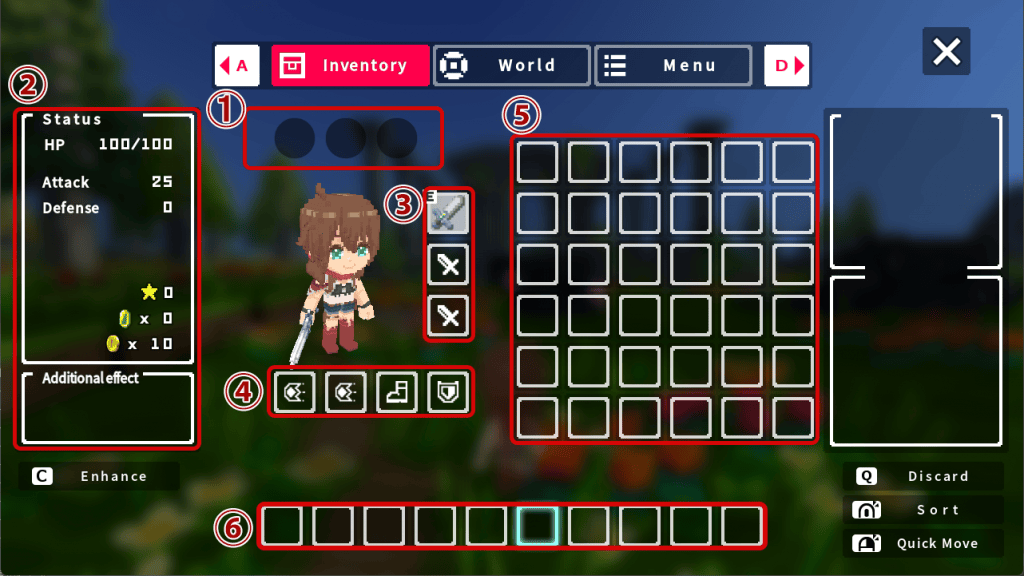
①:Team Display
②:Status
③:Equipped Weapons
④:Equipped Accessories
⑤:Inventory
⑥:Item Slot
About Items
Moving items: Drag and drop or right click
Discard item: Press Q to discard items
Pick up items: Left click to pick up dropped items
How to Equip Weapons
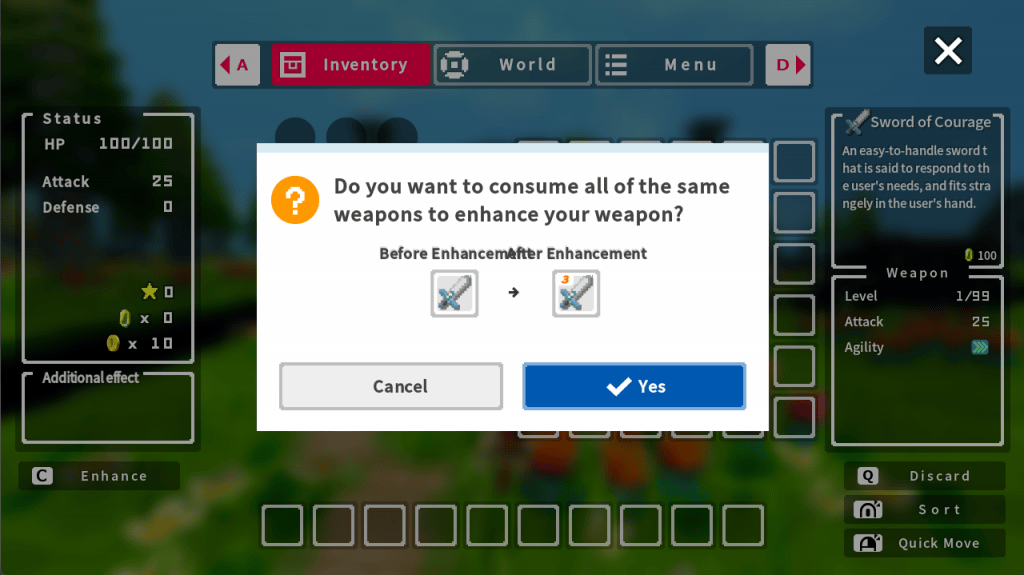
Open the menu and drag and drop the same weapon, or press C to upgrade a weapon.
World
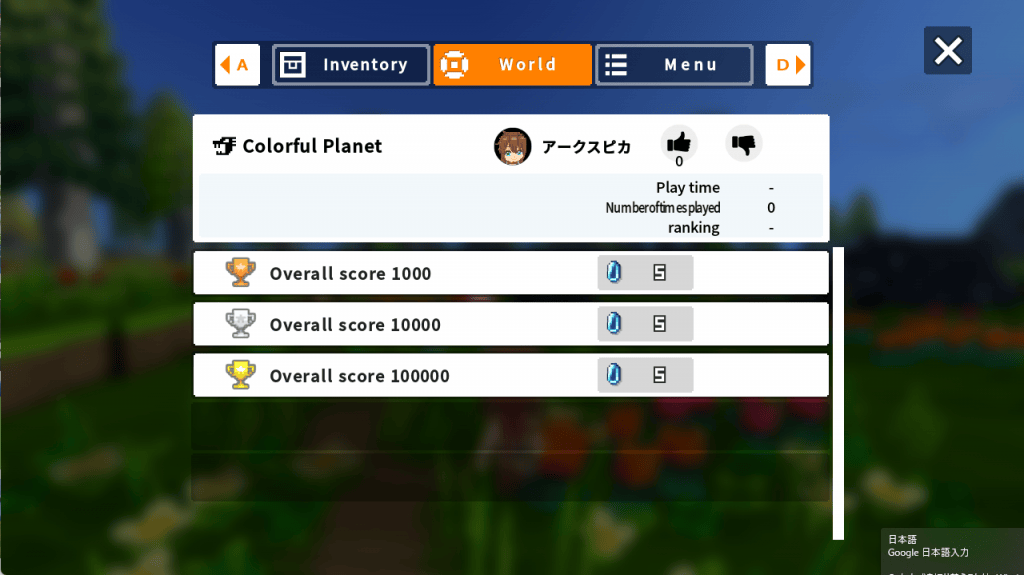
In the menu, open the world tab to see the game rules and subquests of the current world you’re in.
Rewards can be obtained by completing the clear conditions of the quest.
In-Game Menu
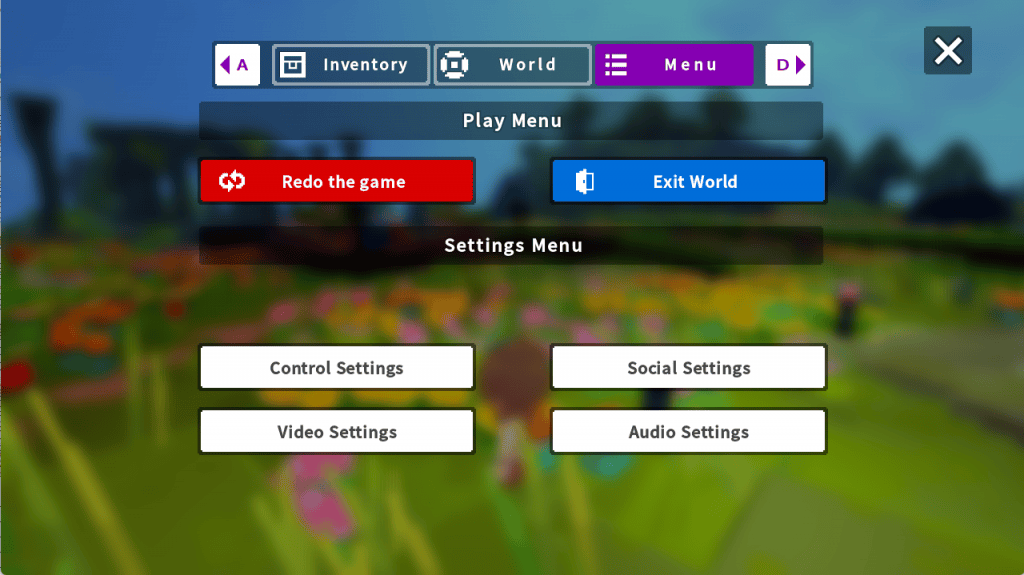
Redo the Game: Restarts the current game from the beginning
Exit World: Return to the title screen
Settings Menu
Control settings: Set key bindings, camera rotation speed, etc.
Social settings: Displays canned chats and friend lists.
Video settings: Change the resolution, viewpoint, etc.
Sound settings: Set the in-game volume.