

[Create] Setting Game Rules
Main Rules
Certain clear conditions can be set, such as competing for scores or completing within a certain time
There are four main rules, and one type of rule per world.
Free Quest
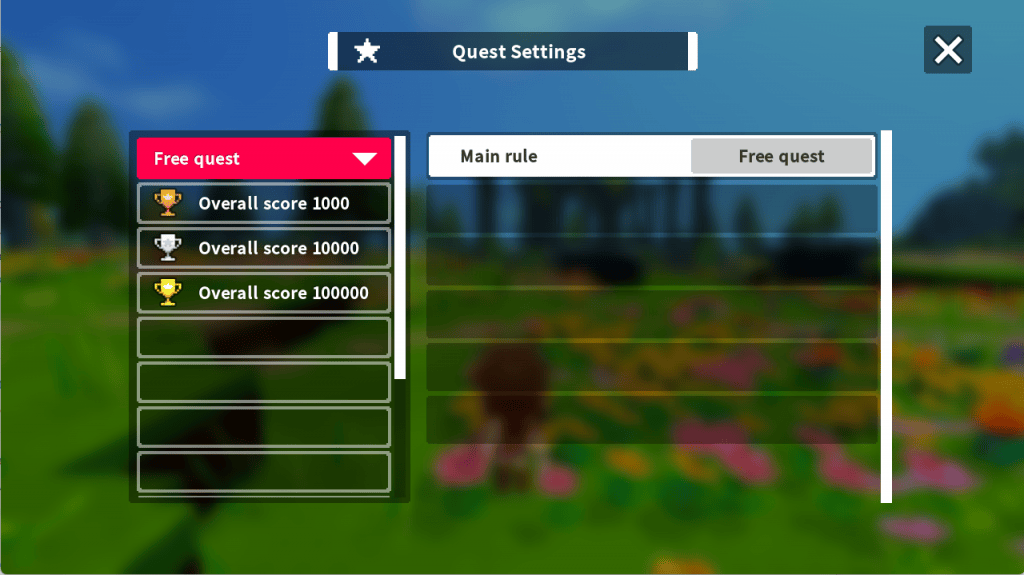
No main clear objective for this rule.
You can visit towns, fight monsters, strengthen your equipment, and more.
Recommended for players who want to play in a world for a long period of time.
Time Race
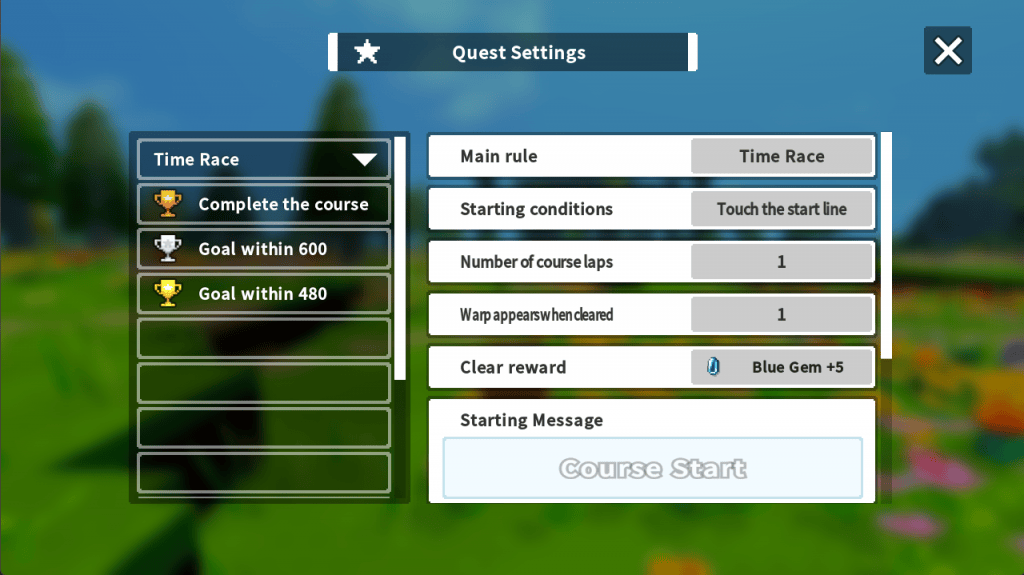
Race from the starting point to the finish point.
Recommended for single track obstacle courses and lap-type race courses.
Time Attack
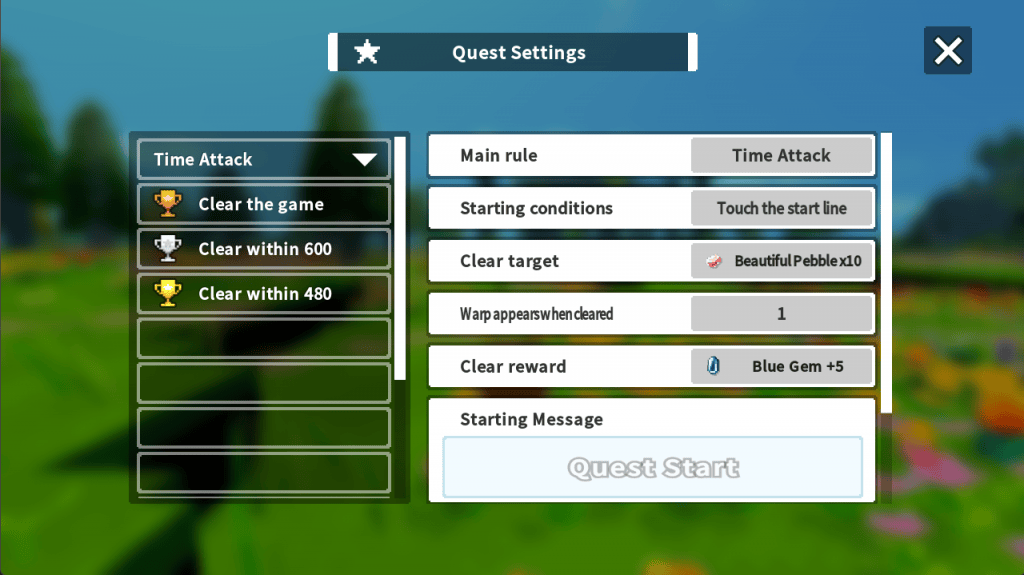
Compete to see how long it takes to achieve a given goal.
Goals can include “number of player kills,” “number of designated monsters killed,” “number of designated items acquired,” and “score.”
Using goals and different world configurations, you can create a variety of games.
Score Attack
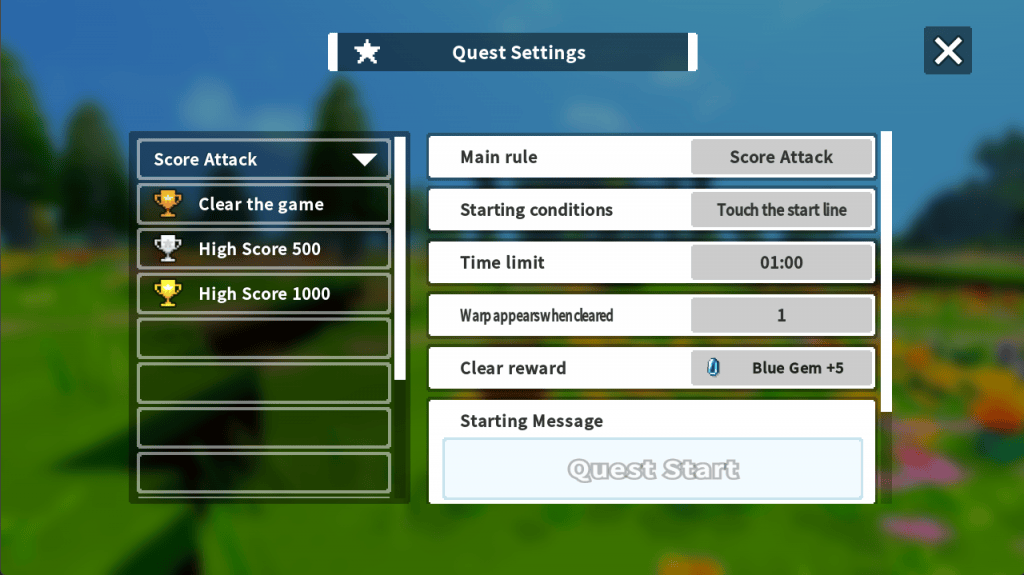
Compete for scores obtained within a specified time.
You can get scores by defeating lots of enemies, getting items from treasure chests, and more.
You can create a variety of games for getting scores in any way you like.
Sub Quest Settings
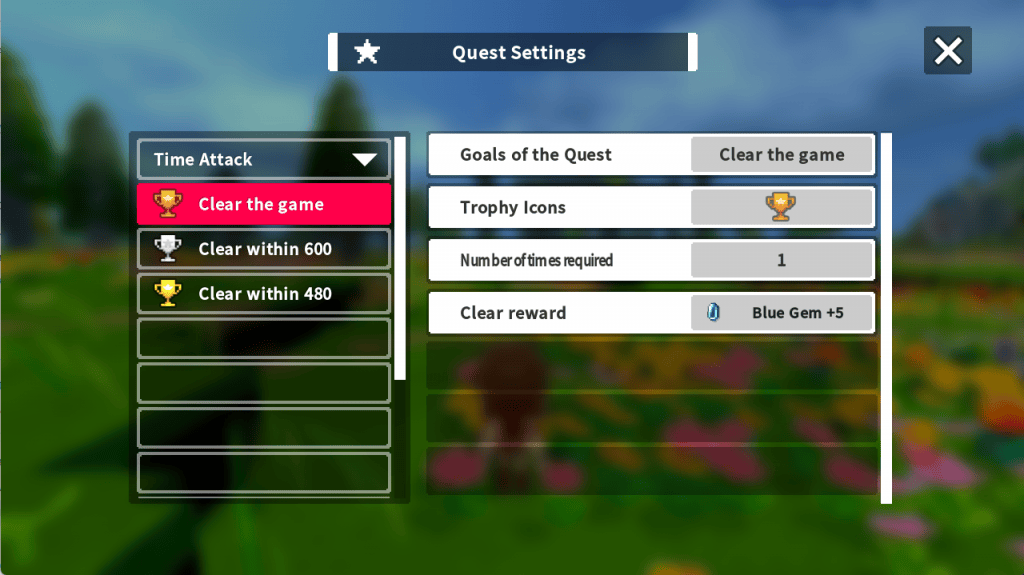
In addition to the main rules, up to 10 optional sub-quests can be set up.
NPCs can also be set up to appear when completing subquests for rewards,
which can be used to make a wide range of adjustments to the challenging elements of a world.
Item Settings
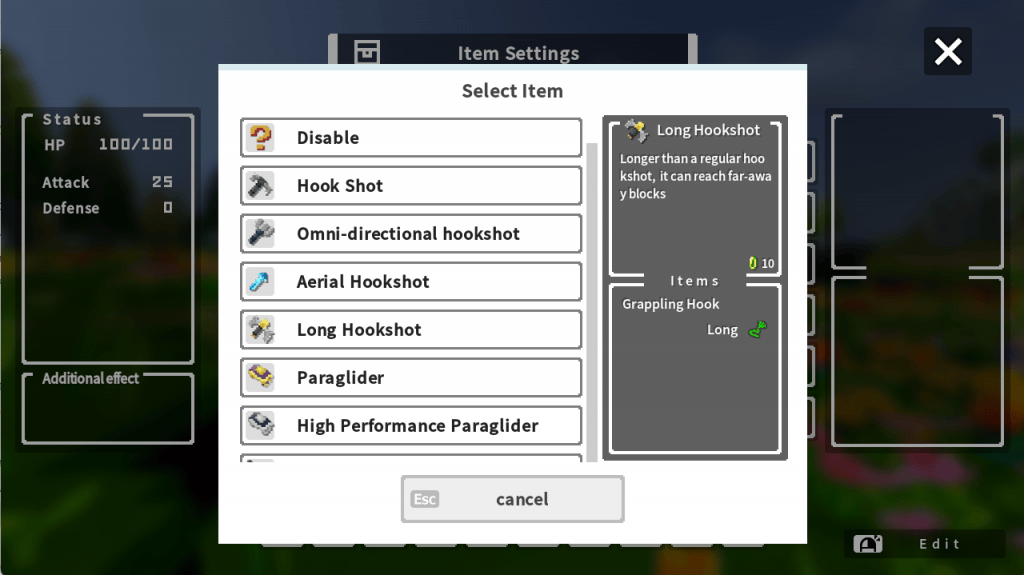
By right-clicking on a slot or frame, you can set any item or equipment.
The equipment you set up here will be available when you are in quest mode or when you upload a world.
It will be set as the player’s initial equipment and items.
Score Settings
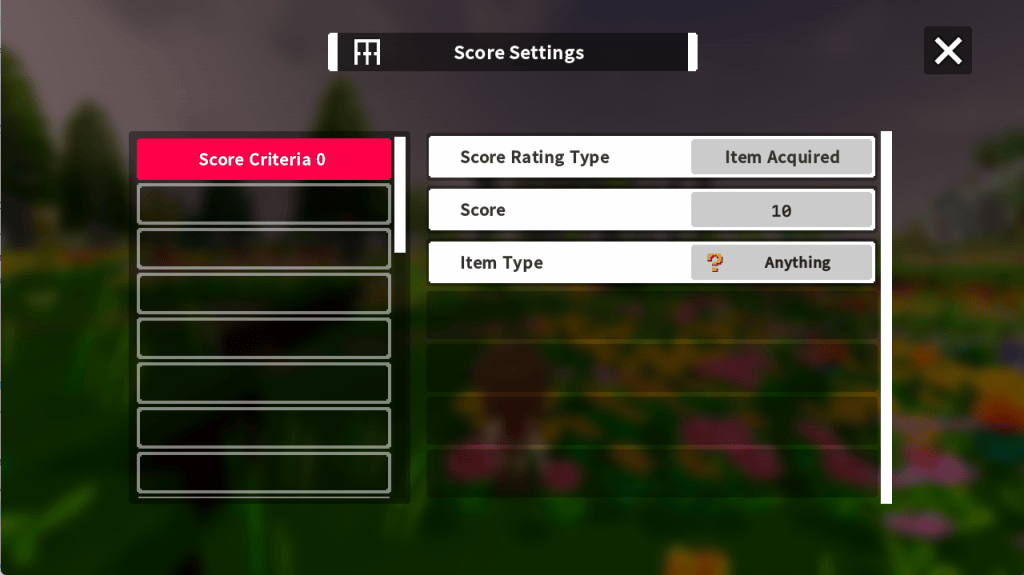
In the menu, choose the “Score Settings” tab.
You can set the score to be obtained in the world.
Teravit has a default aquisition score.
You can change settings as needed when establishing the rules, for example, if you want to change the score based on the type of demon defeated.
Treasure Chest Settings
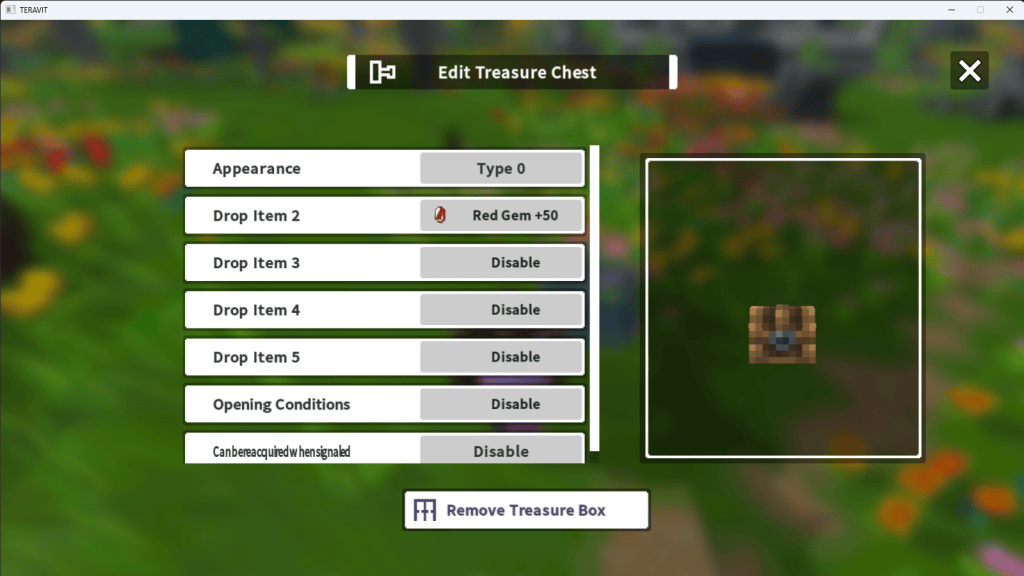
When you place a treasure chest, you can select the items available inside it.
In addition to the items obtained inside, you can also set conditions for opening the chest or allowing them to be acquired again.
Mode Items
These are special items that function as additional rules regarding team division and games.
This setting can be done in one of three ways: “Setting as initial equipment”, “Setting by passing some markers.”,
and “Setting by installing a mode item spawner”.
Initial equipment mode markers and the mode items from markers and spawners are,
“Retire,” “Mode Item: Reset,” and “Reset to Another Mode Item.” In each case, the operation of these modes are as follows.
Types of Mode Items
■PVP Mode
Can attack players in the same mode.
■Team A ~ Team D tag
You may attack a player who is carrying another team item.
Transmits radio energy when equipped.
Team A:CH13
Team B:CH14
Team C:CH15
Team D:CH16
■Channel tag
Can emit radio energy from a specified channel.
■Mermaid Mode
Oxygen is consumed outside of the water.
■Fireball Mode
Exposure to water results in damage, but fire and lava damage is reduced to zero.
■Vampire Mode
They take damage from sunlight and drinking extracts and potions, but regain HP from attacks on players and demons.
■One-Hit Death Mode
Players and demons can be killed with a single blow.
■ Infinite Stamina Mode.
Stamina consumption is reduced to zero.
■ Infinite HP Mode.
HP consumption is reduced to 0.
■ Survival Mode.
Add conditions depending on hunger level and the weight of items in your possession.
■ Instant Death Mode.
Taking damage results in instant death.
■ Sword/Longsword/Axe/Spear/Archer Mode
Damage from attacks with weapons other than the specified weapon is reduced to 0.
■ Horse/Pig/Cow/Ostrich/Small Boat/Trolley Mode
Damage is taken when the designated animal or vehicle is not ridden/piloted.
How to Remove Mode Items
・By exiting the world
・Passing markers that reset settings
・Setting a mode item to ‘Reset’ from the marker edit screen resets the mode item granted to the player who has passed that marker.
*If a mode item is set as initial equipment, it will not be unlocked by exiting the world.
Important Installation Items For Rule Settings
Markers
Use the ‘Builder Selector’ to place markers, look up markers and change settings.
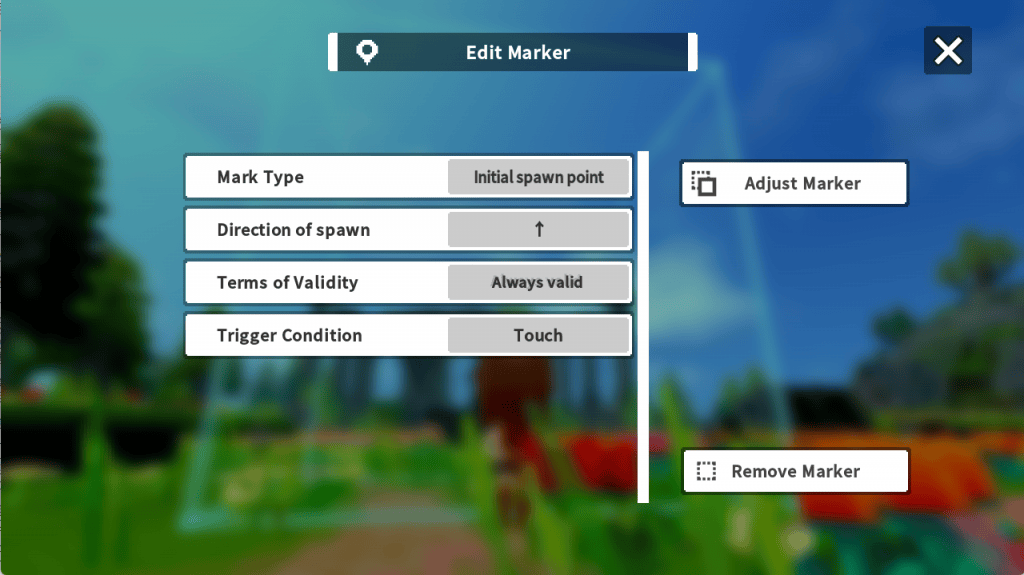
Initial Spawn Points
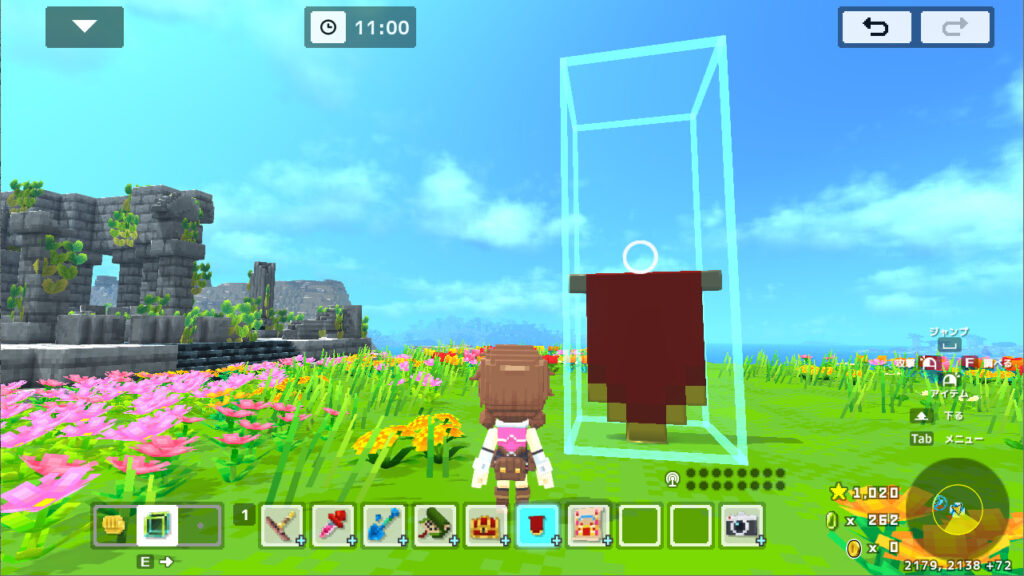
Be sure to place at least one. This will be the initial spawn point for visitors.
Temporary Spawn Points
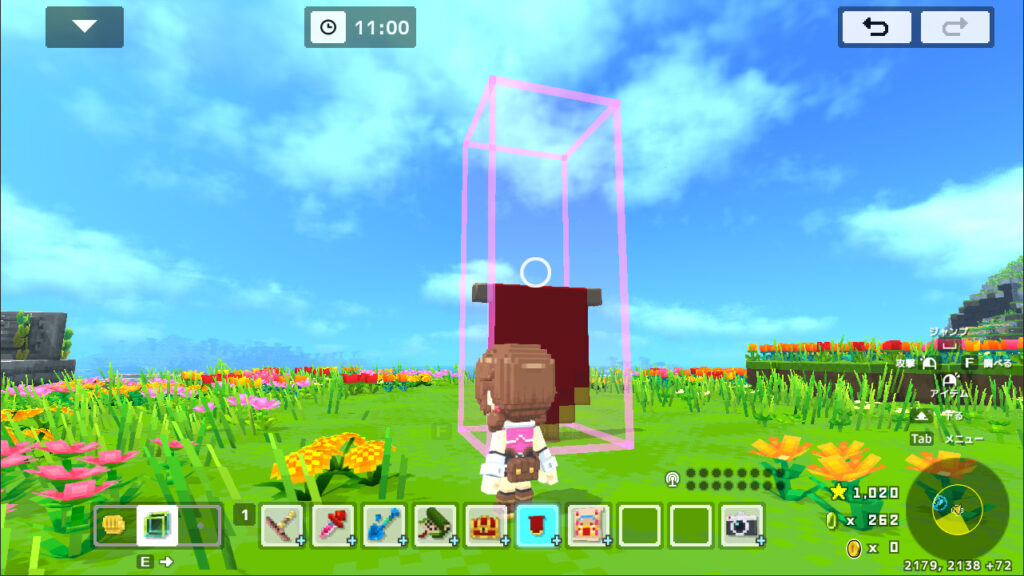
Used as an in-between save point. You will be respawned there until you retire from the current game.
As you can set mode items, they can be used to change rules from that point.
Permanent Spawn Points
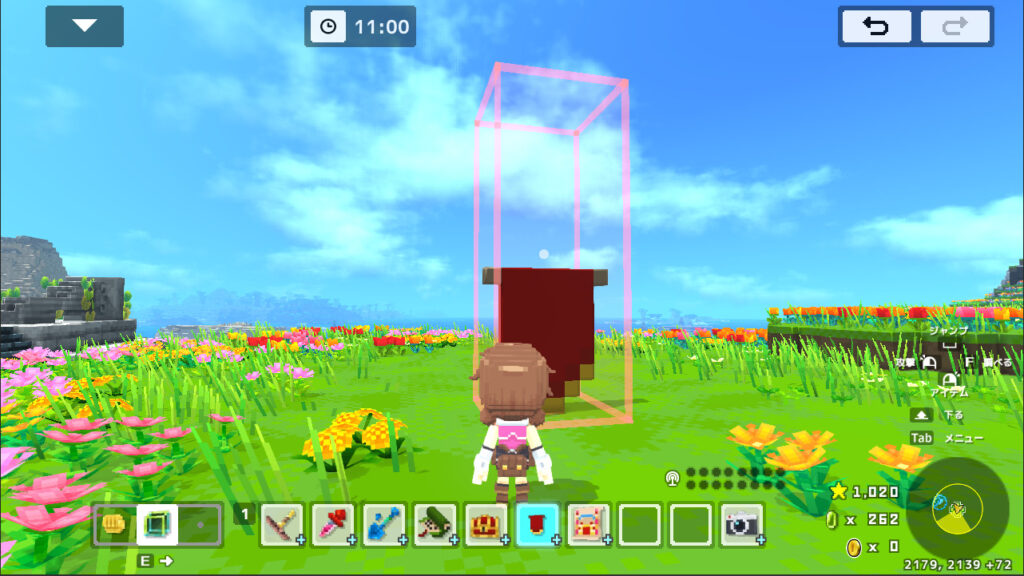
Even if you retire from the game world, you will respawn at the location of this marker. This is used in games that are played over a long period.
Start Points
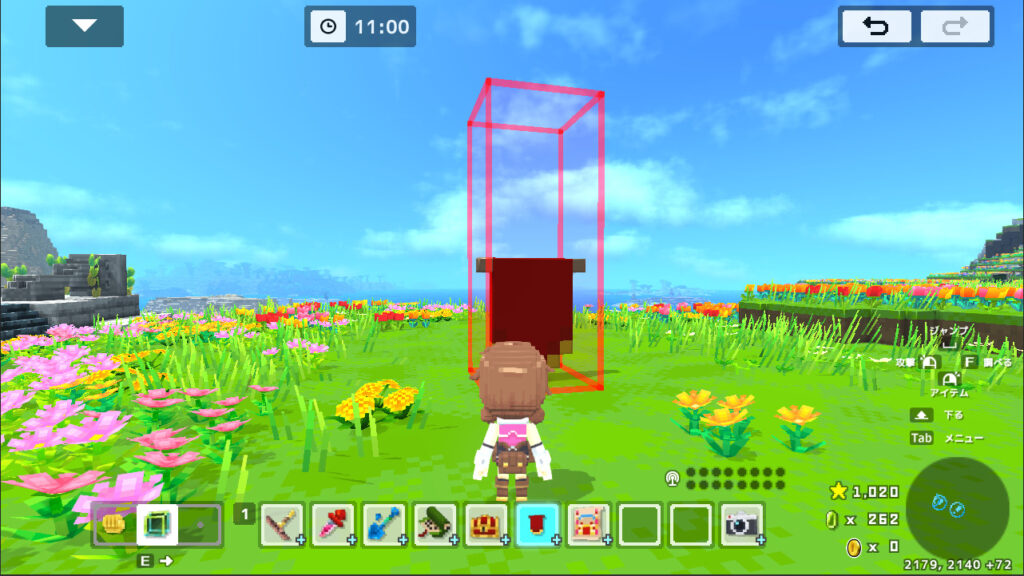
When you touch this marker (excluding free quest), the main game will begin.
If the rule requires a number of laps in a timed race, it is not necessary to touch this marker after the second lap; after the second lap, it is enough to just pass the checkpoint and the goal point.
In addition, mode items can be set at the start of the game and are intended for team division, etc.
Goal Points
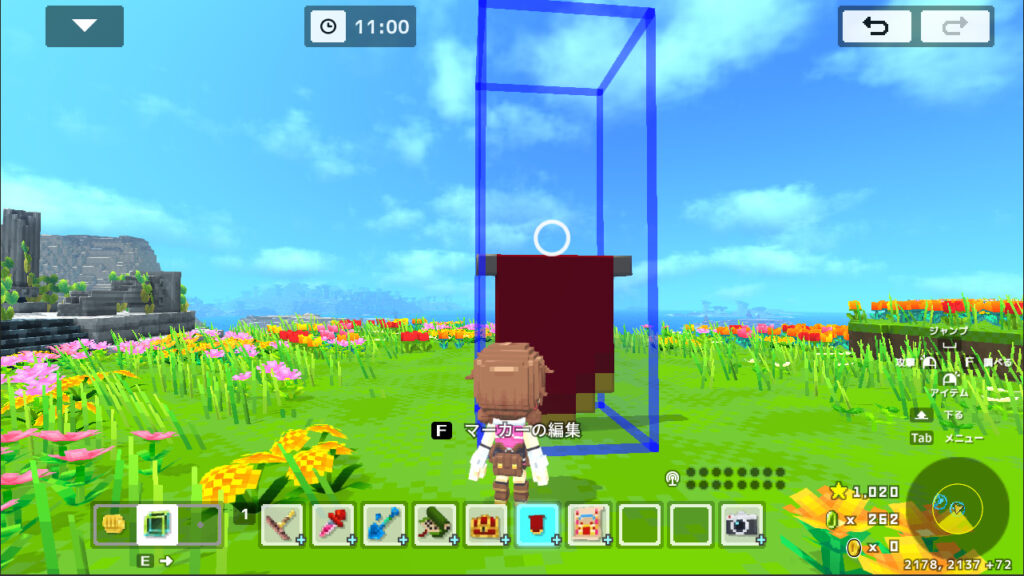
This marker is paired with the start point. Touching this marker after touching the start point clears the game and ends it.
For multiple lap races, touch this marker for the next lap to begin.
Checkpoints
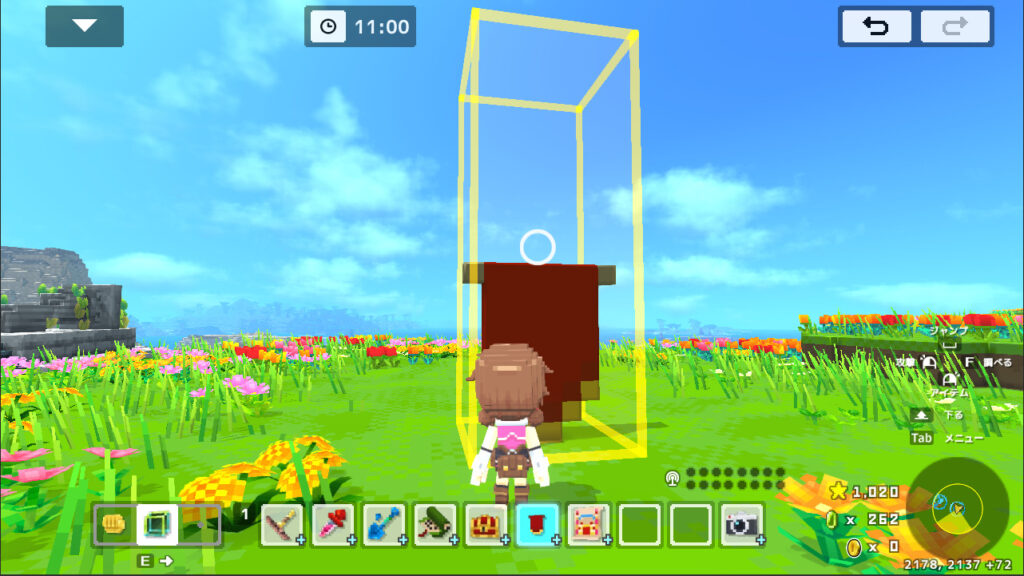
You can set areas that must be passed in a time race. However the order in which they are passed cannot be specified.
The UI can display up to 12 checkpoints (11 checkpoints and 1 goal). If you place more than 12 checkpoints, the UI will not be able to check the progress correctly and it may cause problems.
Checkpoint markers alone are not displayed, so be sure to place an asset that identifies it as a checkpoint if you want it to be seen.
Marker Sensors
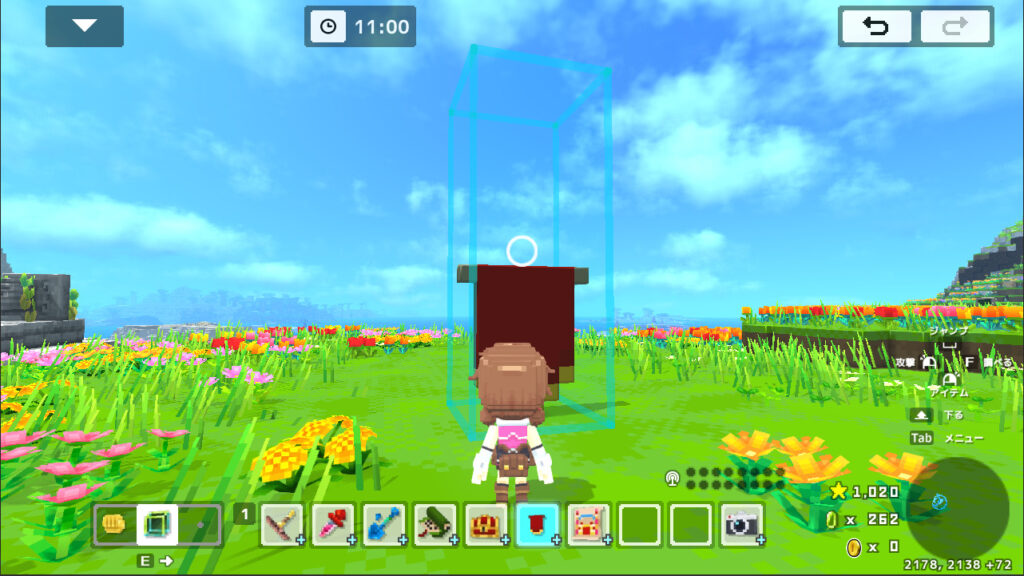
Can emit radio energy from a specified channel. It is used in combination with circuits and moving assets.
Mode Item Markers
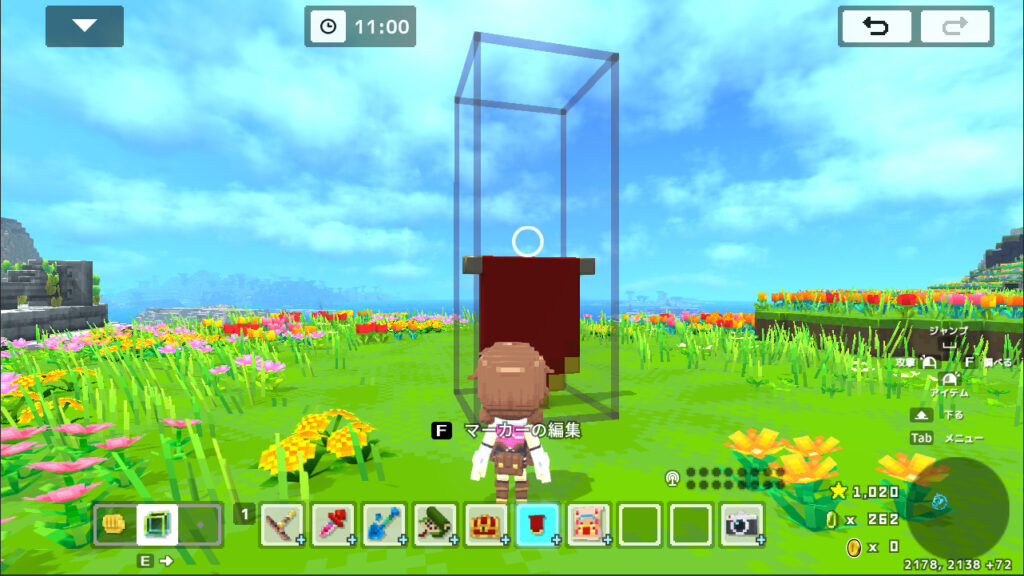
Touching a mode item marker will give you a mode item.
Store Clerks
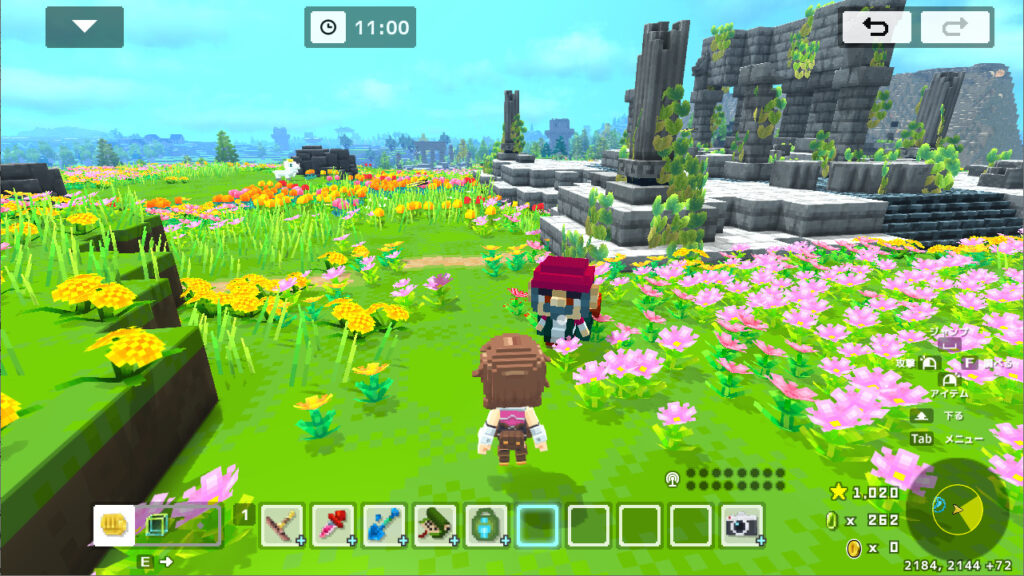
They can be set to appear only when certain conditions are met from quests and receiving channel settings.
A variety of settings are available, for example, items only being sold after completing a course in a timed race.
Cashier Clerks
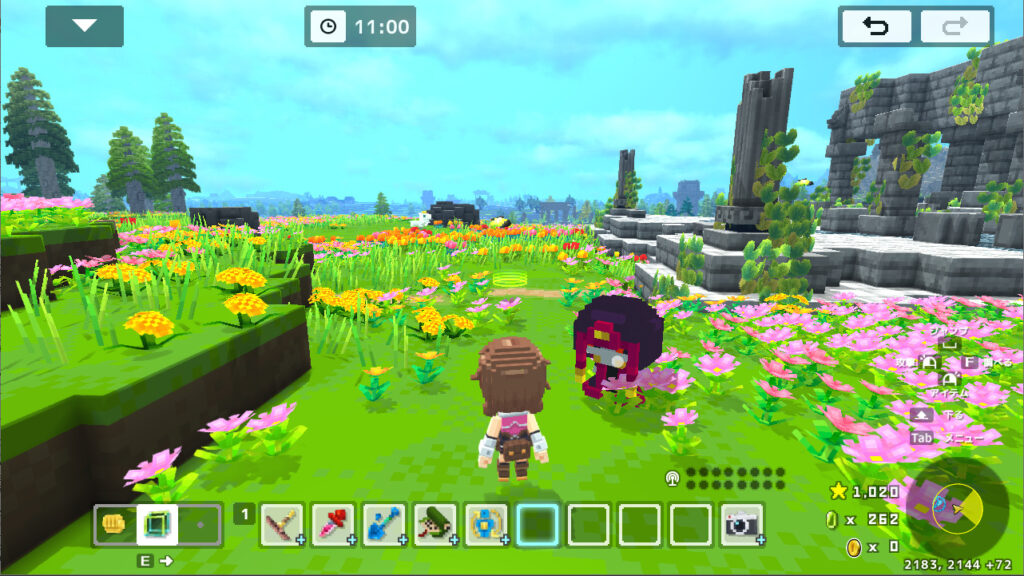
Exchanges item and equipment for gems (GM).
Logic Circuit Blocks
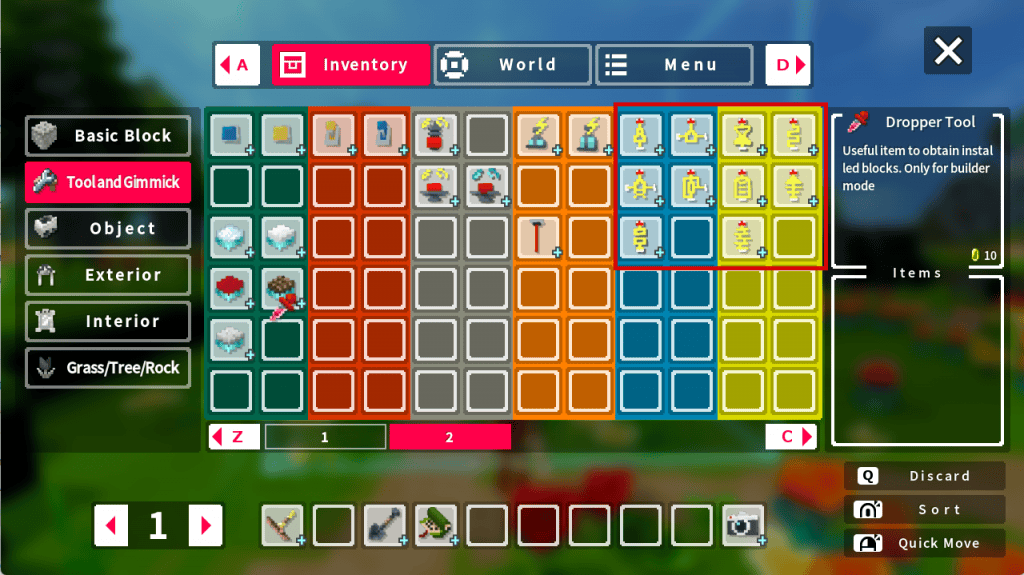
In addition to basic AND and OR circuits, there are also a variety of complex circuits that are combined into a single circuit, such as one that emits energy at regular intervals. These circuits can be used to control the rules of a game.
Installations whose Operation is Affected by Energy (wired/wireless).
Warp Portals, Treasure Chests, Launch Rings, Moving Assets, Store Clerks, BGM Speakers, Signboards,
Vehicle Spawner, Monster Spawner, Animal Spawner, Mode Item Spawner, Various Markers,
Various Doors, Trap Blocks (arrows, fire, cannon, freezing gas, etc.), and some lighting objects.